¿Cómo pueden los organizadores enviar emails a los participantes?

Paige Watson
Updated on 10 de marzo de 2026PeerSubmit allows organizers to communicate with authors and participants through built-in email campaigns. When authors submit papers, their contact details are automatically stored, allowing organizers to send announcements, reminders, or updates easily.
The communication process includes creating a contact list, integrating an email provider, preparing an email template, and sending a campaign.
Step 1: Author Contacts Are Automatically Created
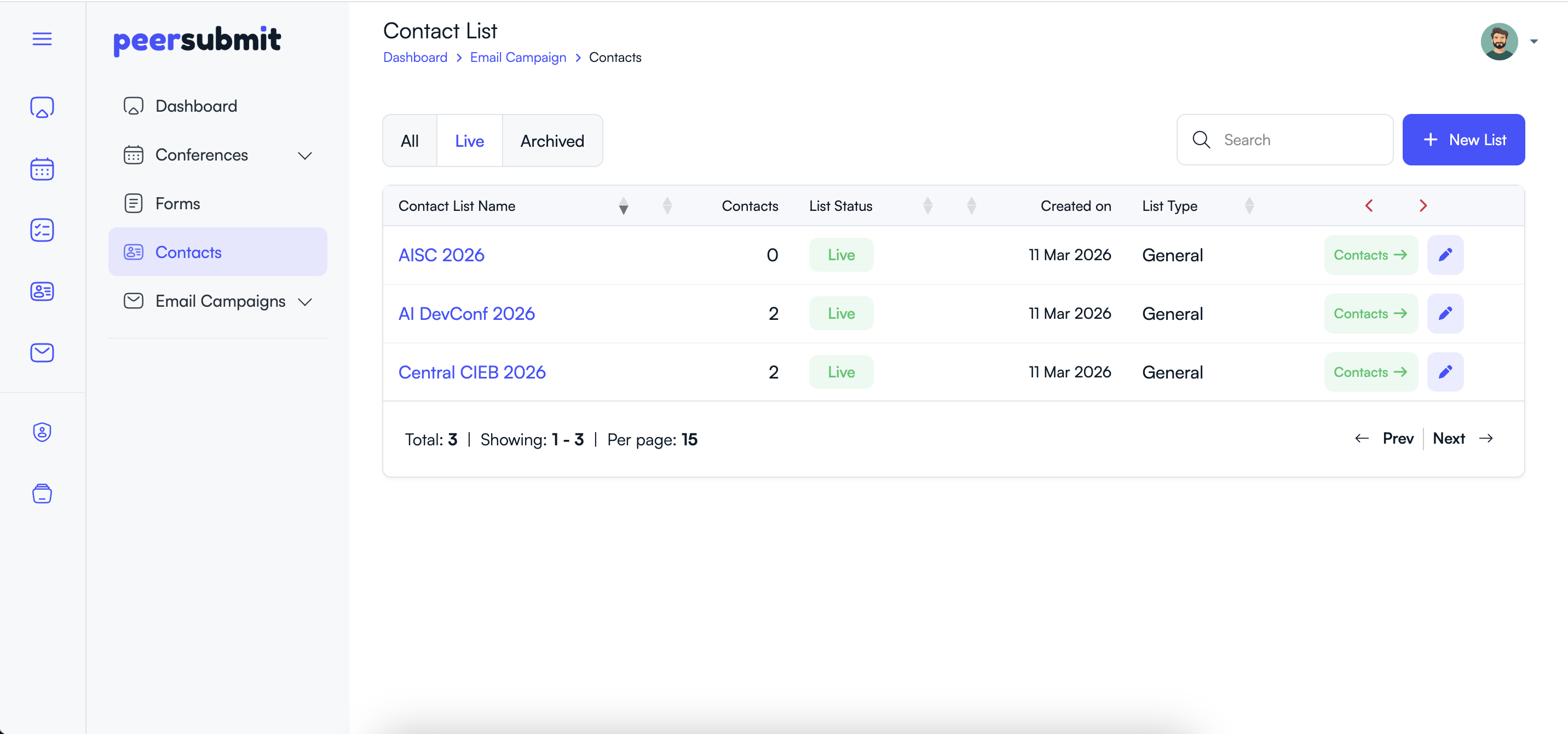
When an author submits a paper to a conference, PeerSubmit automatically creates a contact list for that conference.
- A contact list is created using the conference name.
- Author email and contact details are automatically added to the list.
- Organizers can access these contacts under the Contacts section.
Step 2: Integrate an Email Provider
Before sending emails, organizers must connect an email delivery service.
- Go to Apps & Integrations.
- Choose an available email provider such as AWS SES or Mandrill.
- Add the required API keys or integration details.

Step 3: Create an Email Template
Email templates help organizers reuse common messages such as submission reminders, acceptance notifications, or conference updates.
- Navigate to Email Campaigns → Templates.
- Click Create Template.
- Add the template name and email content.
- Use personalization tags like {name} or {first_name} if needed.

Step 4: Create a New Email Campaign
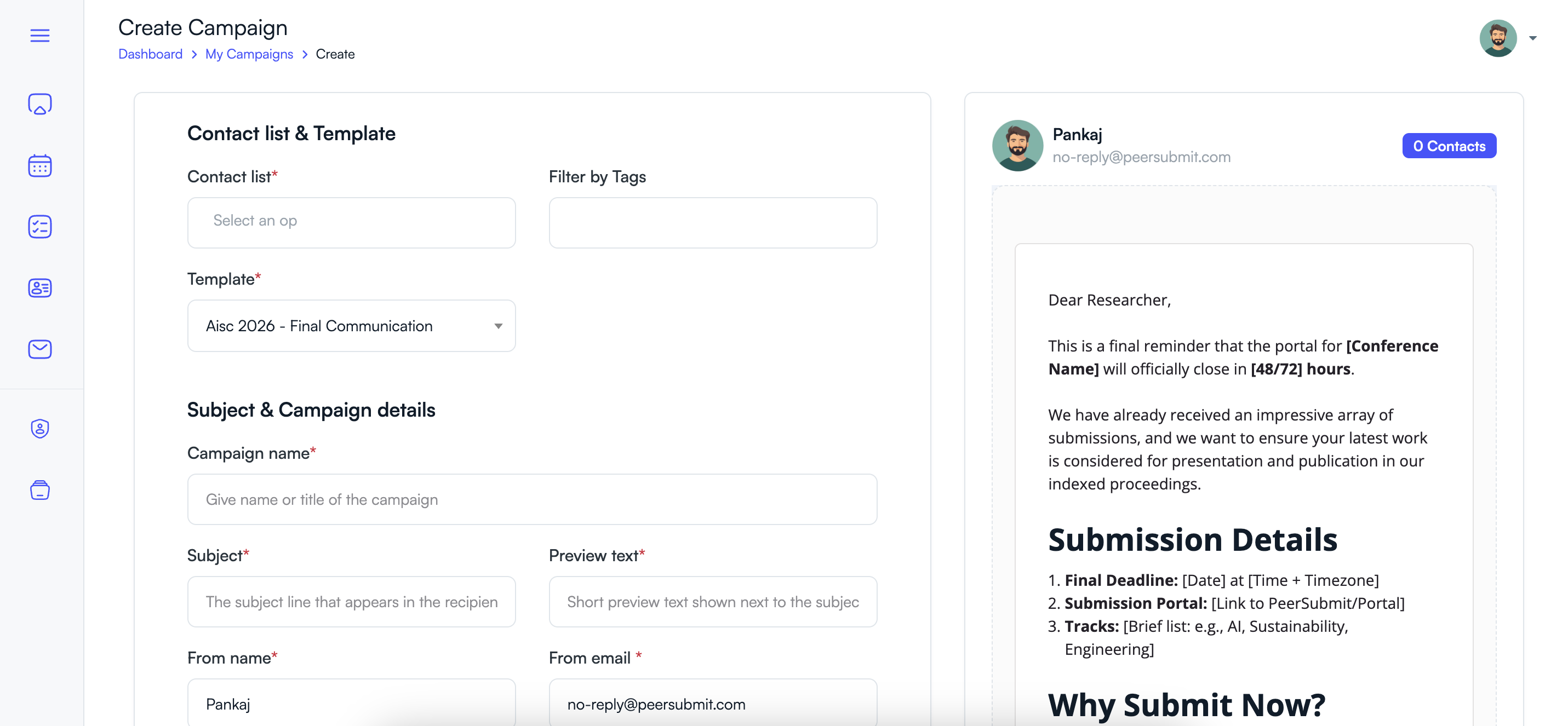
After preparing the template, you can create a campaign to send emails to participants.
- Go to Email Campaigns → My Campaigns.
- Click New Campaign.
- Select the conference contact list.
- Choose the template you created earlier.
- Enter campaign details such as subject and preview text.
Step 5: Send or Schedule the Campaign
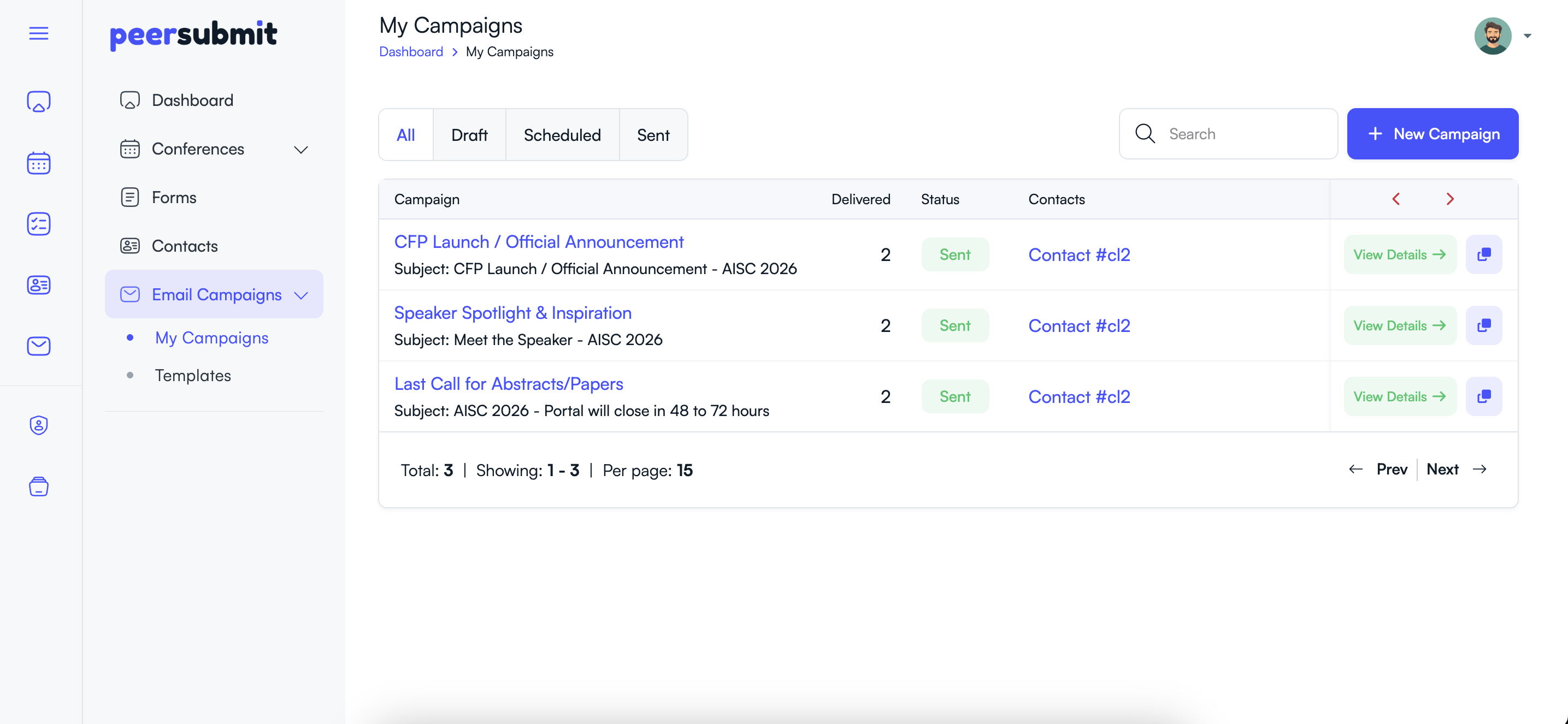
PeerSubmit allows organizers to send emails immediately or schedule them for later delivery.
- Choose whether to send the campaign immediately.
- Or schedule the campaign for a specific date and time.
- Click Send or Schedule.
Step 6: View Campaign Reports
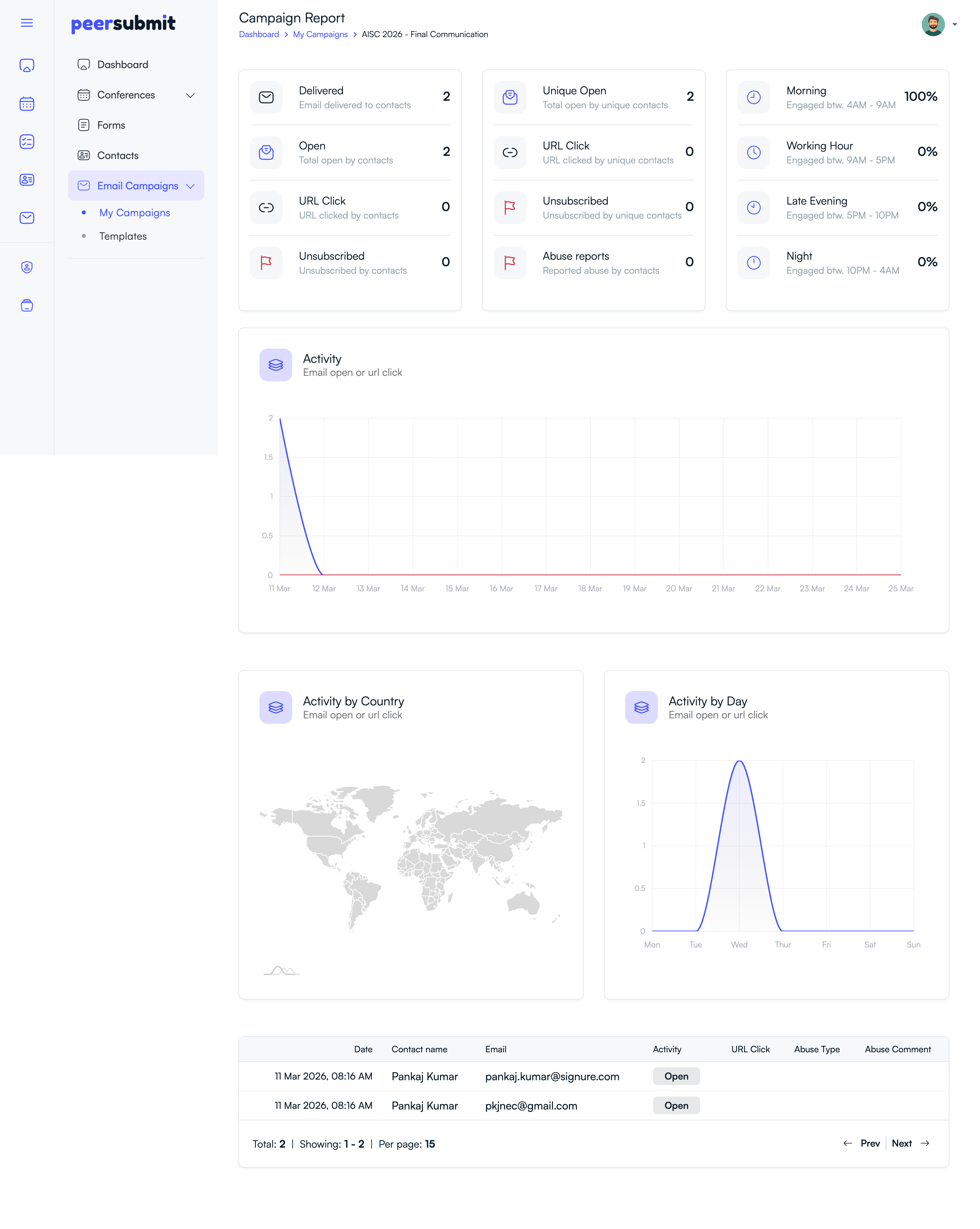
After sending the email campaign, organizers can track performance through campaign analytics.
- View the number of delivered emails.
- Track email opens and link clicks.
- Monitor unsubscribes and abuse reports.
Why Use Email Campaigns in PeerSubmit?
- Send submission reminders to authors.
- Share conference updates or announcements.
- Notify participants about deadlines.
- Track engagement with email analytics.
Using PeerSubmit's communication tools helps organizers manage conference communication efficiently and keep participants informed throughout the conference lifecycle.
Related Articles
Comience a Gestionar su Conferencia: Desde el Envío hasta la Decisión
Únase a cientos de organizadores que confían en PeerSubmit para gestionar sus eventos académicos con eficiencia impulsada por IA y flujos de trabajo fluidos.
Sin tarjeta de crédito • Configuración en minutos
Organice su Conferencia Sin Caos
Gestione envíos, revisión por pares, registros y flujos de trabajo—todo en una sola plataforma diseñada para eventos académicos.
Únase a cientos de conferencias académicas que ya utilizan PeerSubmitSin tarjeta de crédito • Configuración en minutos