¿Cómo pueden los organizadores personalizar el formulario de envío?

Paige Watson
Updated on 10 de marzo de 2026Submission forms define the information authors must provide when submitting their research papers to your conference. In PeerSubmit, organizers can customize submission forms to collect author details, paper information, keywords, and additional data required for the review process.
Submission forms are organized into multiple steps to make the submission process simple and structured for authors.
Open Submission Forms
To configure submission forms for your conference:
- Open your conference dashboard.
- Navigate to Call for Submissions.
- Click CFP Settings.
- Select Submission Forms from the sidebar.
Here you can customize the structure of your conference submission process.
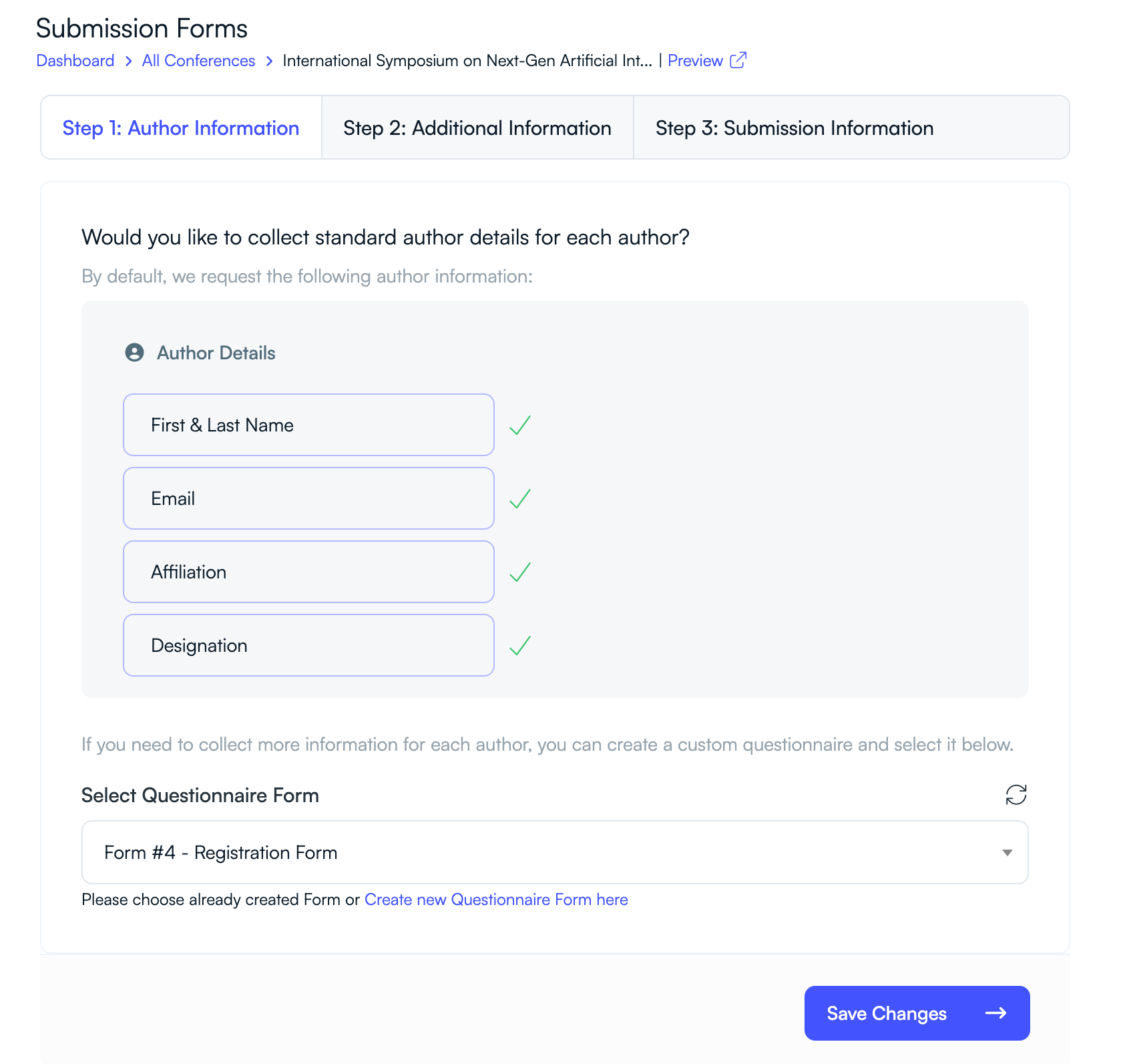
Step 1: Author Information
This step collects the primary author details for each submission.
- First & Last Name
- Email Address
- Affiliation or Institution
- Designation or Role
This information helps identify the author and associate them with their institution or organization.

Step 2: Additional Information
You can collect additional details using custom questionnaire forms. These forms can be used to gather extra information such as:
- Conflict of interest disclosures
- Funding acknowledgments
- Ethics statements
- Author declarations
You can create these forms using the PeerSubmit form builder and attach them to the submission workflow.
Step 3: Submission Information
This section collects the core details of the research paper being submitted.
- Paper Title
- Abstract
- Keywords
These fields allow reviewers and program chairs to understand the topic and relevance of the submission.
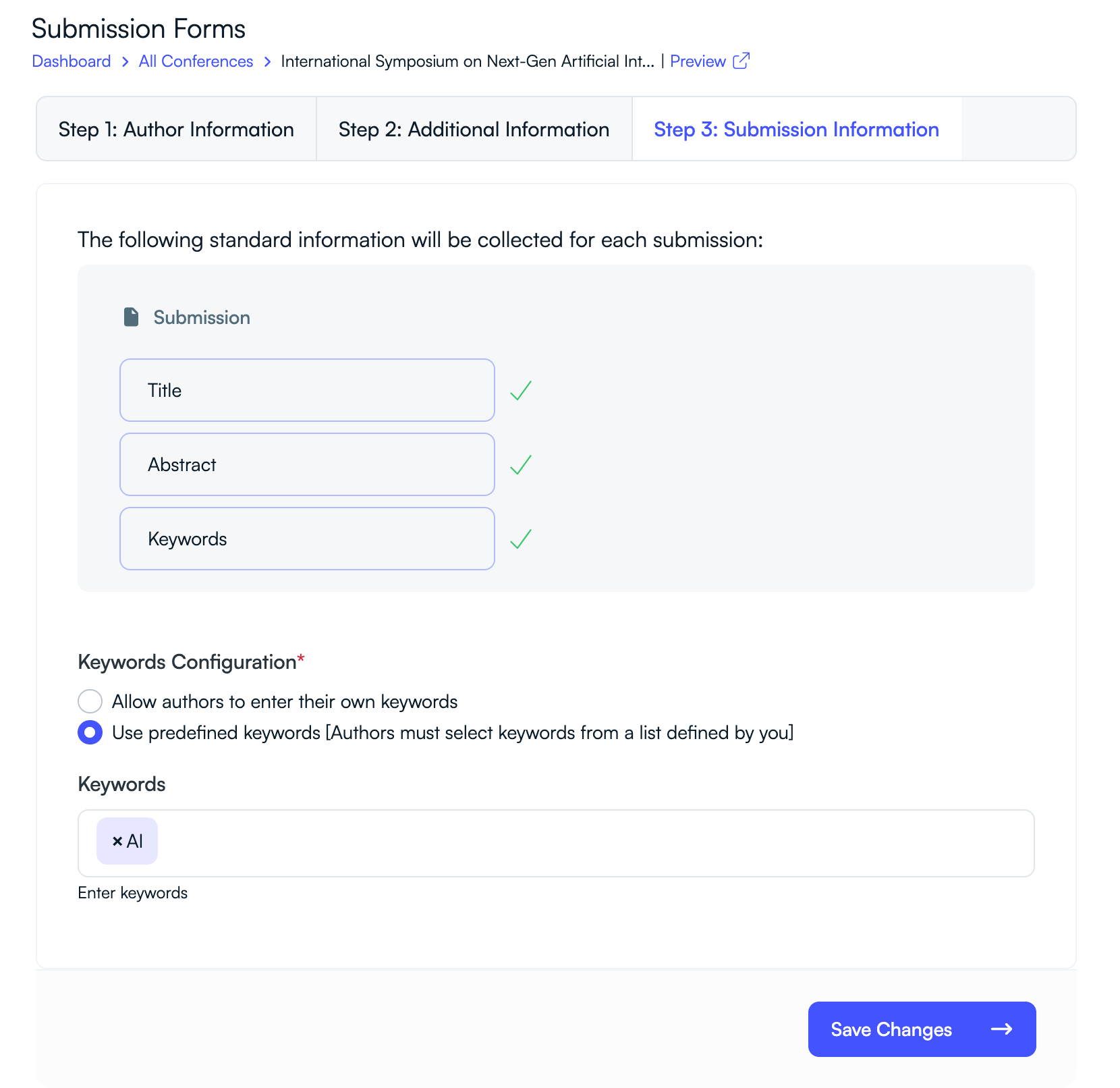
Configure Keywords
Keywords help categorize submissions and assist with reviewer assignment.
- Allow authors to enter their own keywords.
- Use predefined keywords created by the conference organizer.
Using predefined keywords ensures consistent classification of research topics and improves reviewer matching.
Save Your Changes
After configuring your submission form settings:
- Review the form structure.
- Verify all required fields are included.
- Click Save Changes.
Your updated submission form will now be used for all paper submissions.
Best Practices for Submission Forms
Well-designed submission forms help authors submit complete and high-quality research papers.
- Keep forms simple and easy to complete.
- Collect only necessary information.
- Use keywords to improve reviewer matching.
- Include clear instructions for file uploads and abstracts.
A clear and structured submission form improves the author experience and ensures accurate data for the review process.
Related Articles
Comience a Gestionar su Conferencia: Desde el Envío hasta la Decisión
Únase a cientos de organizadores que confían en PeerSubmit para gestionar sus eventos académicos con eficiencia impulsada por IA y flujos de trabajo fluidos.
Sin tarjeta de crédito • Configuración en minutos
Organice su Conferencia Sin Caos
Gestione envíos, revisión por pares, registros y flujos de trabajo—todo en una sola plataforma diseñada para eventos académicos.
Únase a cientos de conferencias académicas que ya utilizan PeerSubmitSin tarjeta de crédito • Configuración en minutos