¿Cómo pueden los organizadores ver las respuestas?

Paige Watson
Updated on 10 de marzo de 2026PeerSubmit allows organizers to view and analyze responses submitted through forms. The platform provides a clear overview of participant responses along with visual analytics to help organizers understand collected data.
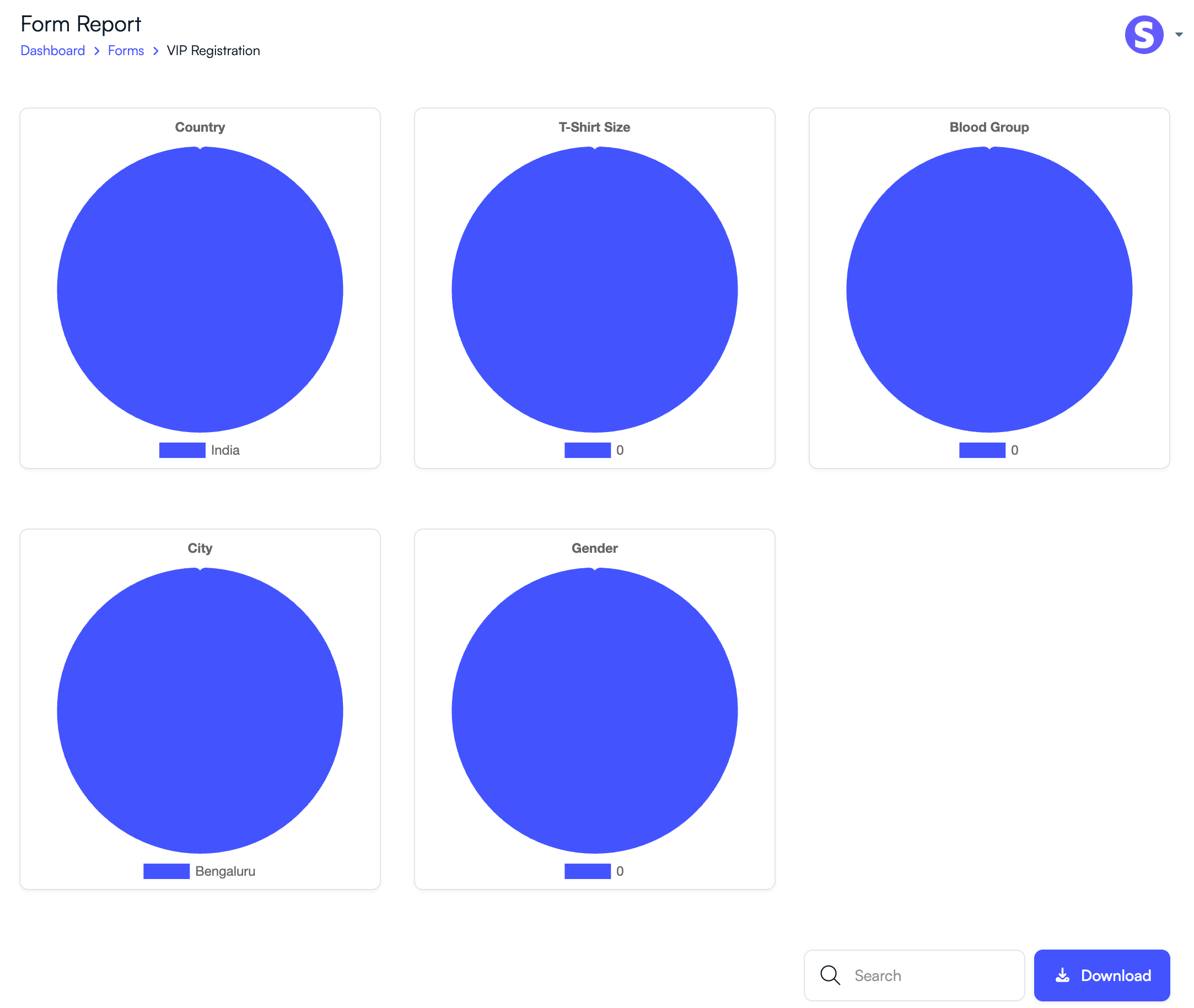
You can access responses directly from the form report page, where responses are displayed both as data tables and visual charts.
Step 1: Navigate to the Forms Section
To view responses submitted through a form:
- Log in to your PeerSubmit organizer account.
- From the dashboard, click Forms in the left sidebar.
- Locate the form for which you want to view responses.
Step 2: Open the Form Report
- Click the Responses or Report option next to the form.
- The form report page will open.
Step 3: View Response Analytics
PeerSubmit automatically generates charts and summaries based on submitted responses.
- Visual charts display response distribution for fields such as dropdowns or multiple-choice questions.
- Charts may show insights such as participant country, city, gender, or other collected data.
- These analytics help organizers quickly understand response trends.
Step 4: View Detailed Responses
Below the charts, you can see all submitted responses in a table format.
- Each row represents a participant submission.
- Columns display responses for each form field.
- You can search and filter responses if needed.
Step 5: Export or Download Responses
- Click the Download button to export responses.
- Exported data can be used for reporting, analysis, or record keeping.
Viewing form responses in PeerSubmit helps organizers track participant submissions, analyze trends, and manage collected data efficiently.
Related Articles
Comience a Gestionar su Conferencia: Desde el Envío hasta la Decisión
Únase a cientos de organizadores que confían en PeerSubmit para gestionar sus eventos académicos con eficiencia impulsada por IA y flujos de trabajo fluidos.
Sin tarjeta de crédito • Configuración en minutos
Organice su Conferencia Sin Caos
Gestione envíos, revisión por pares, registros y flujos de trabajo—todo en una sola plataforma diseñada para eventos académicos.
Únase a cientos de conferencias académicas que ya utilizan PeerSubmitSin tarjeta de crédito • Configuración en minutos