How to Create Your PeerSubmit Account

Paige Watson
Updated on 10 March 2026Creating a PeerSubmit account is the first step to managing conference submissions, peer reviews, and academic events. The signup process is quick and takes only a few minutes. Once your account is created, you will be able to organize conferences, submit papers, and participate in peer review workflows.
The PeerSubmit signup process consists of three simple steps: creating your account, verifying your email, and completing your profile details.

Step 1: Create Your Account
To begin, open the PeerSubmit signup page and create your account using your email address.
- Enter your email address.
- Create a secure password.
- Accept the terms and privacy policy.
- Click the Sign up button.
Once you submit the form, PeerSubmit will send a verification code to your email address.

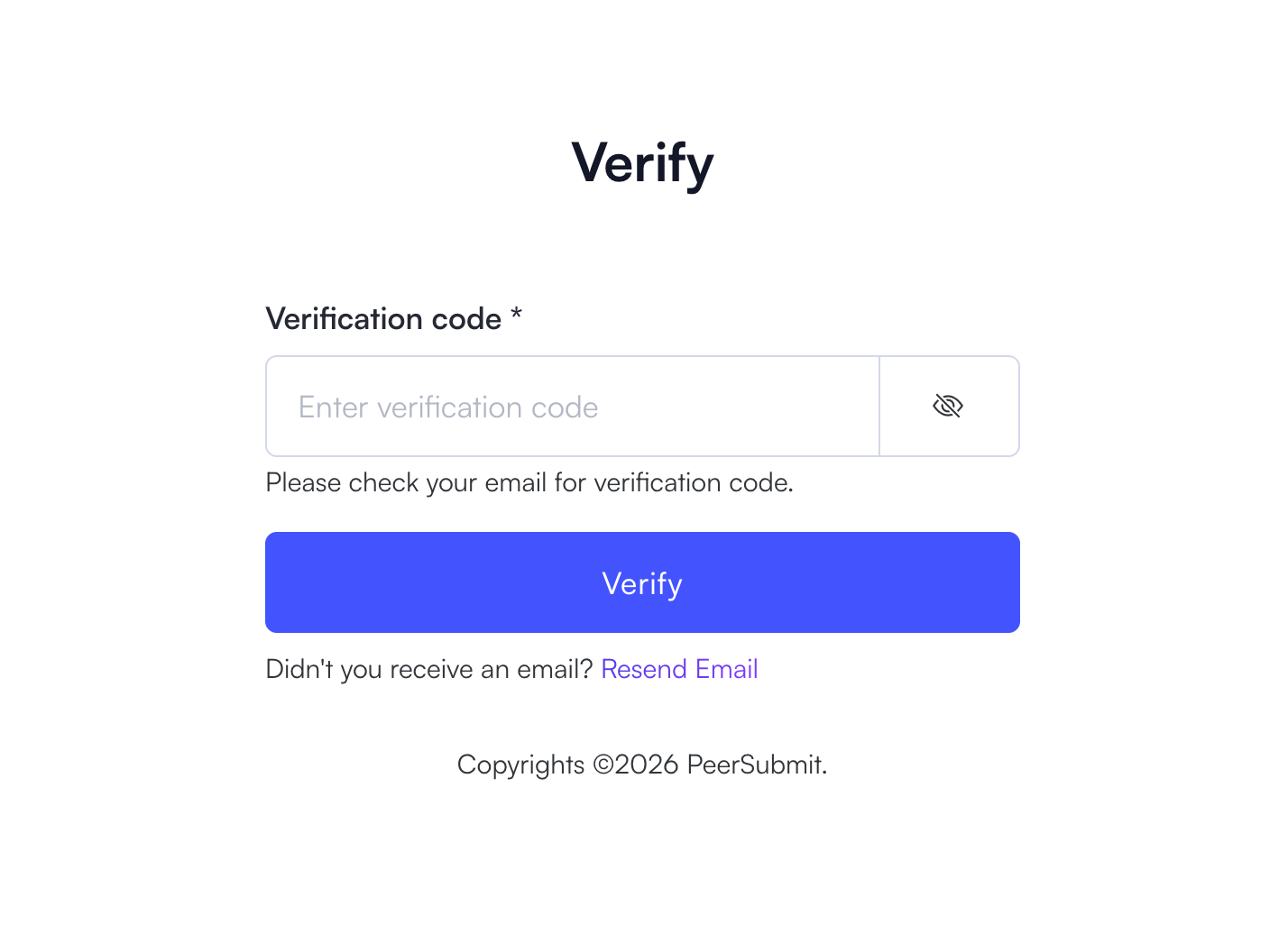
Step 2: Verify Your Email Address
After creating your account, you must verify your email address to continue. This helps ensure account security and prevents unauthorized access.
- Check your email inbox for the verification code.
- Enter the verification code in the verification field.
- Click the Verify button.
If you do not receive the verification email, you can click Resend Email to receive a new code.
Step 3: Complete Your Profile
Once your email is verified, you will be asked to provide a few additional details to complete your profile.
- Enter your full name.
- Provide your mobile number (optional).
- Add your affiliation such as your university or organization.
- Click Proceed to complete the setup.
After completing this step, your PeerSubmit account will be fully activated and you will be redirected to your dashboard.

What You Can Do After Signing Up
Once your account is created, you can start using PeerSubmit to manage academic workflows.
- Create and manage conferences.
- Submit research papers or abstracts.
- Invite reviewers and program chairs.
- Track submissions and peer review progress.
PeerSubmit is designed to simplify conference management and peer review workflows for academic institutions, research organizations, and event organizers.
Related Articles
Start Running Your Conference—From Submission to Decision
Join hundreds of organizers who trust PeerSubmit to manage their academic events with AI-powered efficiency and seamless workflows.
No credit card required • Setup in minutes
Run Your Conference Without the Chaos
Manage submissions, peer review, registrations, and event workflows—all in one platform built for academic conferences.
Join hundreds of academic conferences already using PeerSubmitNo credit card required • Setup in minutes